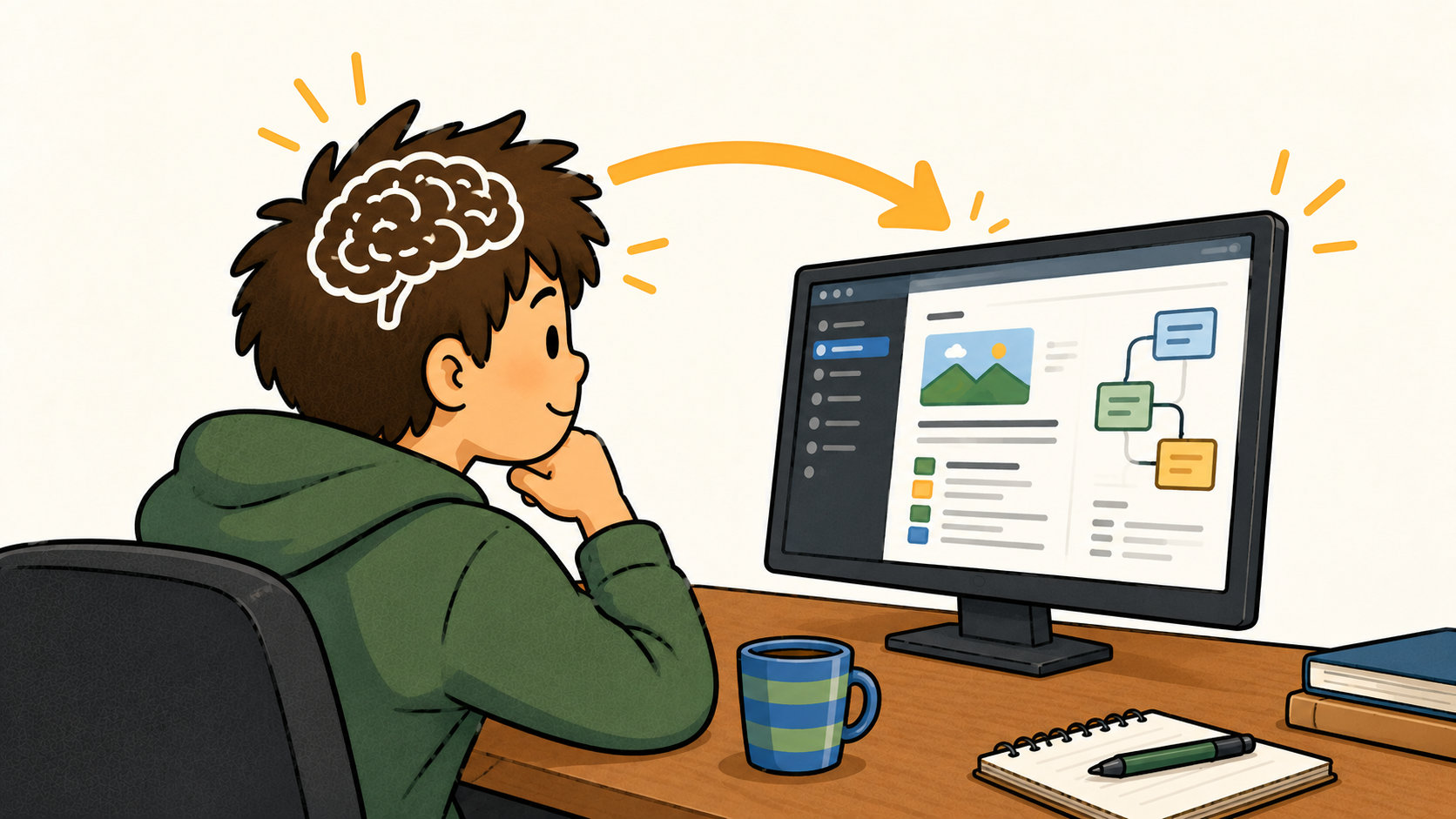
One of the things I’ve found when using note-taking apps is that I really struggle to categorise things properly. I often start with good intentions, trying to put together a structure that makes sense, only to find that I spend more time working on the structure than actually taking notes.
Eventually, I just give up on it.
I’ve tried various solutions over the years, and I always seem to come back to the same problem. I don’t necessarily know where something should go, or whether it deserves its own category, or whether I’ll even remember where I put it later.
What I really want is somewhere I can just dump my thoughts and not have to think about any of that.
Over the past decade, I’ve found Markdown to be a great way of keeping documentation. It’s simple, it’s portable, and you can build a pretty decent wiki around it without needing anything particularly complicated.
Something else I’ve found more recently is that dictating things is often much quicker than typing them. Especially now that we have language models that can take something you’ve rambled about and make sense of what you’re actually trying to say.
So I thought, why not put the two together?
What if I could just say something, type something, or upload something, and have an LLM work out where it belongs, how it relates to other things I’ve said, and whether there’s anything useful that needs to be brought to my attention?
Brain and Capture
I’ve put together two small applications, one called Brain and the other called Capture.
Capture is probably the simpler of the two. It’s basically a text box where I can type or dictate whatever happens to be on my mind. I can also upload photos and files.
There’s no categorisation, no tags, no deciding where something needs to go. I just put it in there and carry on with whatever I was doing.
Brain is the other side of it. It’s essentially a wiki that lets me browse and search through everything I’ve noted down. In the background, everything is stored in Markdown files, and an LLM handles the organisation when I ask it to process my inbox.
It takes whatever I’ve said, works out the context, and then decides how best to fit that information into what’s already there. That might mean updating an existing page, creating a new one, or linking things together that I’ve mentioned at completely different times.
Each capture also gets a unique ID and a date, so there’s a record of where things came from, I don’t have to think about the structure anymore.
Actually Making Use of What I’ve Said
Something I’ve noticed is that I’ll often mention things that are happening in the future, or things that I need to do something about, and then completely forget I’ve mentioned them.
It could be something that’s happening in two weeks, or something I’ve been meaning to sort out around the house.
Brain has a homepage that can surface some of these things, so when I come back to it, I might see something I’d completely forgotten about.
There’s also another useful side to having an LLM process everything.
A recent example was when I’d mentioned that I’d finished taking some medication and wasn’t really sure what was supposed to happen next. It was just something I’d said in passing. I hadn’t really given it much more thought.
When the LLM processed that particular thought, it flagged it as something I needed to follow up with my doctor, so I did, and another prescription was arranged for me to collect.
I thought that was quite interesting, because it was something that could easily have been forgotten about. Instead, it had picked up on something I’d said previously and brought it back to my attention.
Obviously, I’m not expecting an LLM to make medical decisions for me, but having something flag that I ought to speak to someone was genuinely useful.
What Happens If the AI Goes Away?
One of the things I was quite keen on from the beginning was making sure I wasn’t locking myself into a particular application or LLM.
All of the information is stored in Markdown files, and I’ve got those files backed up in various places.
If I decided tomorrow that I didn’t want to use the current LLM anymore, I could use another one. It could read what’s already there, understand the structure and carry on from where the previous one left off.
And if I stopped using LLMs altogether, I’d still have all my notes.
I can browse the files myself, edit them, move them around, or do whatever I like with them.
I also have rules in place around what the LLM is allowed to change, so it isn’t just wandering around making changes to things whenever it feels like it.
Where I’m Going With It
It’s still early days, and I’m sure there are plenty of things I’ll change as I use it more.
But already, I’ve found myself capturing far more things than I would have done with a traditional note-taking app, simply because there’s no effort involved in deciding what to do with them.
I can have a thought while I’m out somewhere, dictate it into Capture, and forget about it. Then, when I process the inbox, it gets organised into something I can actually make use of later.
And I think that’s what I’ve been trying to achieve with note-taking for years.
This is just a high-level look at something else I’ve been working on, alongside the projects I mentioned in my previous post.
I know there’s a lot of discussion about what AI is useful for, and for me, this is one of those things where I’ve found a genuinely practical use for it.
Making our lives easier is what these things are supposed to be about, so I plan to make full use of them.
Is there anything you’ve been working on that has become a genuinely useful tool for you?
What do you think?