As a former creator who saw the early days of YouTube, the goal of getting as many eyes on videos as possible, at whatever cost, has never really lost its charm.
While my initial intentions were to respond to a creator once, to then follow on to provide useful content in the tech world, it was never lost on me that making things a little more “shiney” than they actually were would gather more attention and views.
As the years have gone by, with the various changes and adaptations of the website, it’s clear that views, watch-time and clicks often take precedence when it comes to the actual content of a video.
Sometimes I finish watching something and ask myself, “what have I just watched?” and genuinely can’t answer.
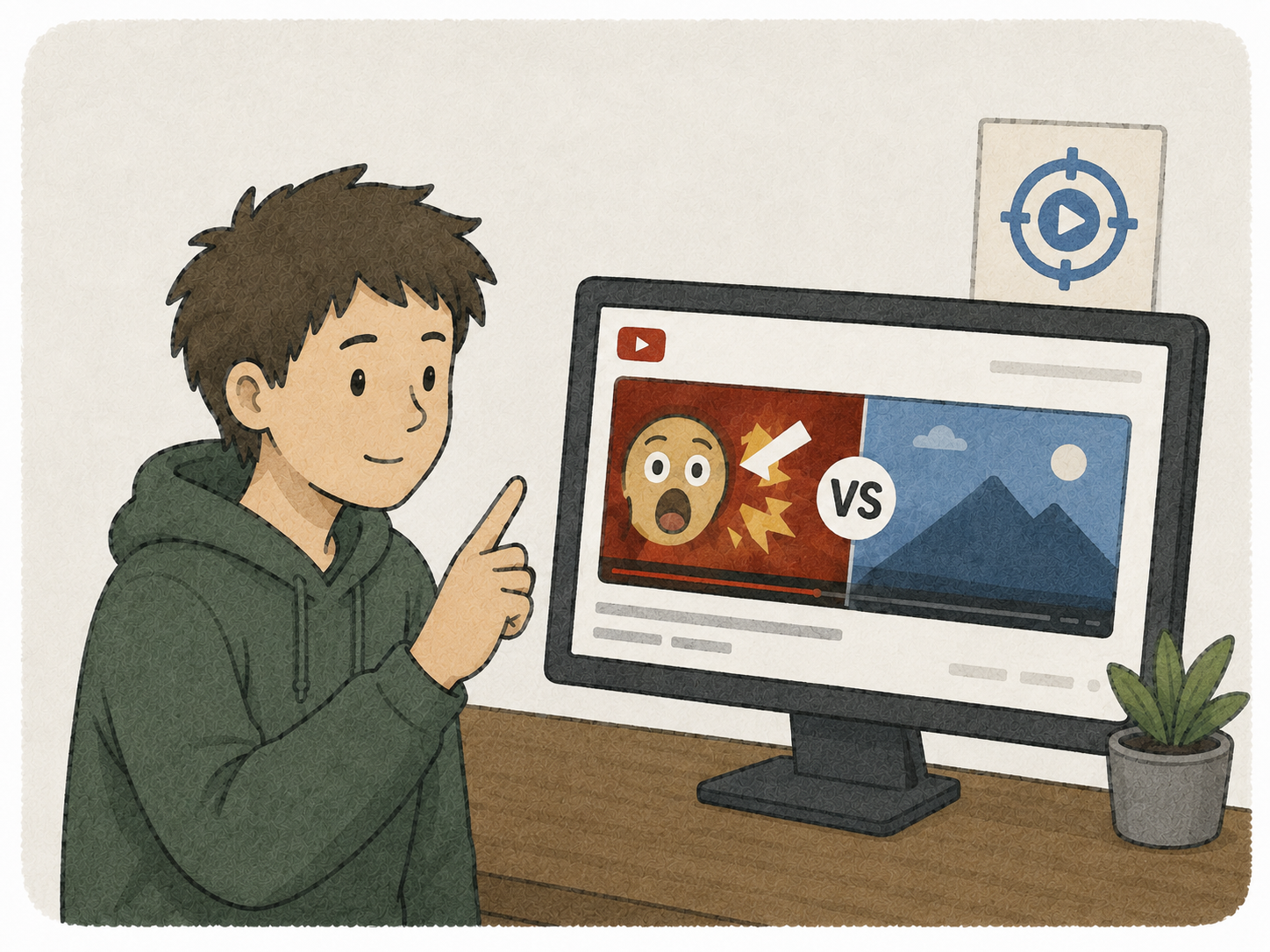
Quite often it’s made all too clear that videos can be summed up as “takes forever to get to a point” combined with a thumbnail that either doesn’t relate, relates vaguely but with enthusiasm (shocked face emoji!), or exaggerates the truth in order to get that all-important click.
Combine this with metric-watching creators battling “The Algorithm Monster” and it’s hard to ignore that the viewer is left on the back foot wondering if they’ve just lost 10 minutes watching a video asking a question nobody asked, to then be given the answer “it depends” 9 minutes in and asking the audience for their opinions. Don’t forget to like and subscribe, folks.
With AI now added into the mix, you can sprinkle in some ChatGPT verbiage that’s recommended to the creator for their videos to get engagement.
(the irony is not lost here, by the way, so I’ll get to the point)
An open source browser extension called DeArrow combats this, and not only do I use it, I’ve found myself actively contributing to it.
So how does it work?
Very simple.

Above is a video of mine. Notice the Blue Target icon under the video itself, you can click this to compare the altered thumbnail and/or title with it’s original one.
To add your own submission:
- Click the video you want to improve
- Click the small pencil icon underneath the video, and a panel will pop out to the right
- You can edit the title or thumbnail here, the thumbnail can be pulled from a point in the video, or you can click a submission if it’s more accurate
- Adjust the title as you see fit, as long as it fits in with the guidelines
- Click submit
- Your changes are made, take that, click-bait!
The following full rundown from Ajay Ramachandran shows this in action:
You can download this extension here.
This is one of those extensions where I genuinely have thought “I wish this was around a long time ago”.
What do you think?